Every role comes with its own challenges, whether that’s finding the right information, managing complex documents or creating content for different audiences. While the work may look different, having the right tools can make a significant difference to how it’s done.
At Data#3, we’re exploring how Adobe Acrobat Studio supports our people in their day-to-day work, bringing together AI-powered document insights, creative tools and collaboration capabilities in one solution.
We spoke with colleagues across sales and marketing to understand how they’re using Acrobat Studio, which capabilities they find most useful and how these tools fit into their existing workflows. Here are their experiences, in their own words.
People often ask why I use Adobe Acrobat Studio when I already have Microsoft Copilot.
It’s a fair question. After all, both products use AI to help people work more effectively, but after spending time with both, I’ve found they’re solving very different problems. Rather than competing, they’re highly complementary.
Copilot helps me understand what’s happening across my workday. It brings together insights from emails, meetings, Teams chats, documents and business data so I can stay on top of priorities and move faster.
On the other hand, I use Acrobat Studio to surface key information from complex documents. It’s designed for document-heavy work, whether that’s contracts, proposals, reports, policies, forms or tender responses. Where Copilot connects information across work, Acrobat Studio helps you quickly find and understand what matters inside the documents themselves.
Ultimately, information is only valuable when people can understand it, share it and use it.
Fabienne Allen – Account Executive, Data#3
Here’s a practical example:
I use Copilot to catch up on customer conversations, emails and meeting actions. I use Acrobat Studio to review a 200-page contract pack, identify key dates, understand our obligations and pinpoint risks across multiple documents.
When I demo Acrobat Studio with our customers, these are three capabilities that often surprise people:
First, it can answer questions across multiple documents, not just a single PDF.
You can analyse document collections in PDF Spaces to answer questions like, “What are the common risks across these contracts?” or “What changed between these proposals?” You can then share the PDF Space with others, giving them access to the documents and the context you have gathered in one place. For anyone involved in tenders, contract management, procurement or customer engagements, that can save hours of effort.
Second, every answer is grounded in source material.
Where Copilot connects information across work, Acrobat Studio helps you quickly find and understand what matters inside the documents themselves.
Fabienne Allen – Account Executive, Data#3
One of the biggest concerns with AI is trust. Rather than providing just a basic response, Acrobat Studio cites the source information and lets you verify where it came from in the document. That makes it especially valuable in legal, finance, procurement, sales and compliance scenarios where accuracy matters.
Third, it transforms documents into consumable insights.
Instead of reading a 100-page report, you can generate executive summaries, visual reports, presentations and even podcast-style audio briefings. It helps people consume information in the format that’s most useful to them. The value goes beyond summarisation. Ultimately, information is only valuable when people can understand it, share it and use it.


As Data#3’s Senior Video & Multimedia Producer, I don’t think about video in isolation because pretty much every campaign we produce is multimodal. A brief might call for social media content, stills, online channels, cinema or TV commercials. It can be anything, depending on the audience, the message and where the content needs to appear. We’re not making one asset, we’re making an entire asset ecosystem.
I’ve been producing video content at Data#3 for over ten years. I’ve made everything from vendor campaigns and customer stories to executive communications, internal announcements and live events. As our production need has grown, so has our use of Adobe.
Take a customer story, for example. We might be producing a main video that explores the customer’s experience in detail, but that footage could also be repurposed into shorter edits for our social channels. Those requirements influence how I approach the production from the get-go.
The tools available in Adobe Studio help manage my productions across their entire content lifecycle, from pre-production documentation all the way through to delivery and reporting.
Hugh Whitehouse – Senior Video & Multimedia Producer, Data#3
There’s a lot to consider before the cameras start rolling. What story are we telling? Who needs to hear it? Where will the content appear? And how do we capture what we need without creating unnecessary work later? The answers to those questions influence everything from the initial concept and production documentation to the footage we capture and the way the finished content is delivered.
The tools available in Adobe Studio help manage my productions across their entire content lifecycle, from pre-production documentation all the way through to delivery and reporting.
Adobe Express is particularly relevant when developing the supporting content around a production. Whether that’s creating graphics, adapting visual assets or preparing content for different channels, it provides another option for working with the material we already have.
We’re not making one asset, we’re making an entire asset ecosystem.
Hugh Whitehouse – Senior Video & Multimedia Producer, Data#3
The ability to work across different formats is important because the requirements of a campaign can change considerably between channels. A video produced for a website won’t necessarily work in the same way on LinkedIn, and a short social edit needs a different approach from a longer customer story.
I still need to make those creative decisions. The tools can help with producing and adapting assets, but the concept, visual direction and overall consistency need to be considered throughout the production.
Another of my responsibilities is maintaining a consistent visual style and voice for Data#3 across our video and motion content. That becomes particularly important when a campaign involves several deliverables.
Ultimately, I want the work we put into a production to go as far as possible. Whether it’s a customer story, a vendor campaign or an internal communication, every asset should have a purpose and contribute to the wider campaign.
Adobe gives us a dynamic edge.

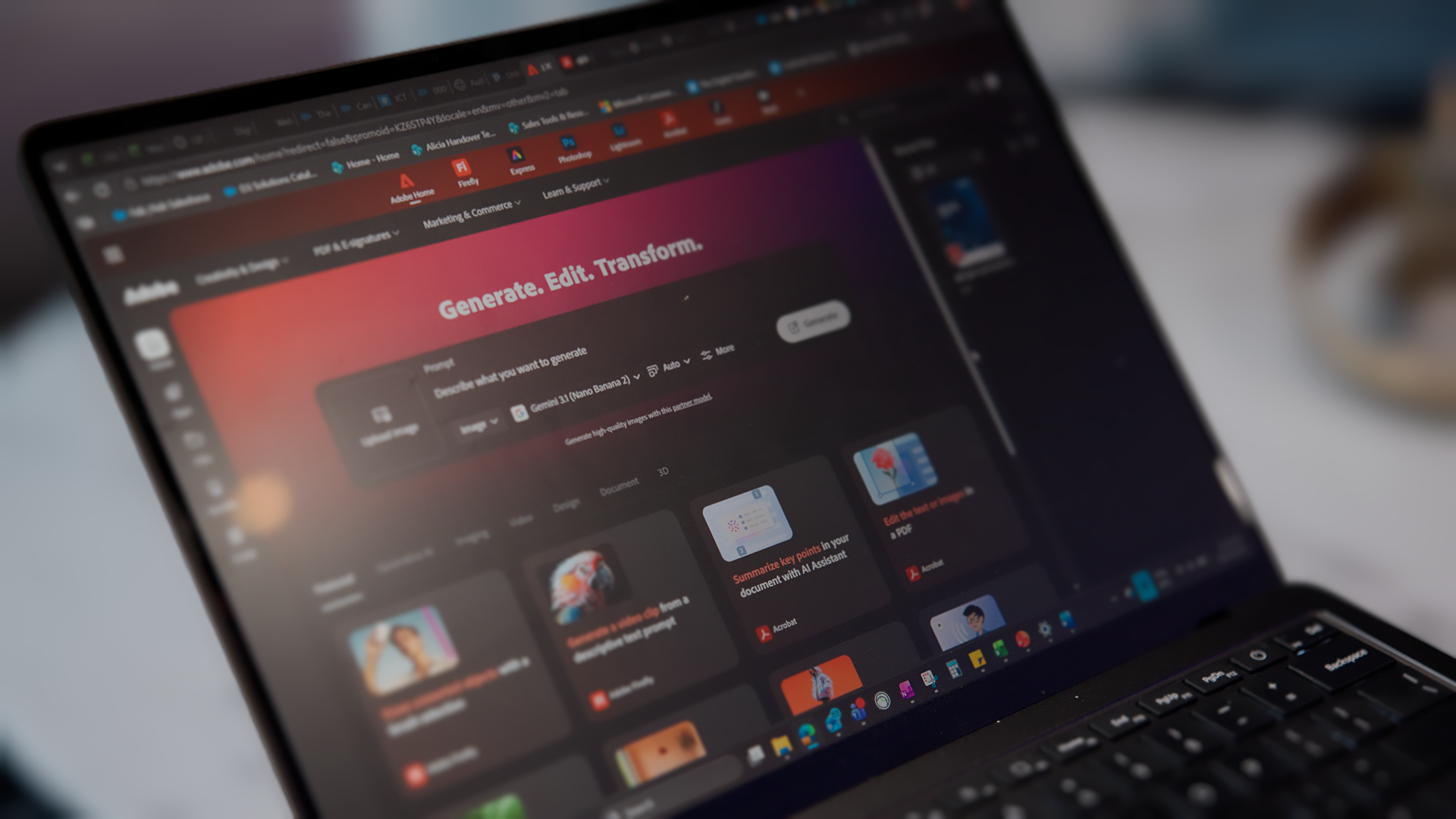

As Australia’s largest Adobe Platinum Partner for over 30 years, Data#3 helps organisations seamlessly transition from Acrobat to Acrobat Studio – Adobe’s AI-powered productivity platform. The result? Measurable impact through smarter document workflows: saving time, reducing costs, and boosting productivity.
Book a demo today with a Data#3 Adobe expert. Explore Acrobat Studio in action and see how this platform accelerates intelligent document workflows.
Contact our team of Adobe Specialists to learn more.
Information provided within this form will be handled in accordance with our privacy statement.
