

Work moved off the desk a while ago. It happens in cafes and offsite, in airport lounges and in the back of taxis, in meeting rooms and on the run between them. Devices have had to keep up, and the way we judge them has shifted with the work. Battery life when you’re within arm’s reach of a power point is one thing, but battery life when you’re hours from a charger is another.
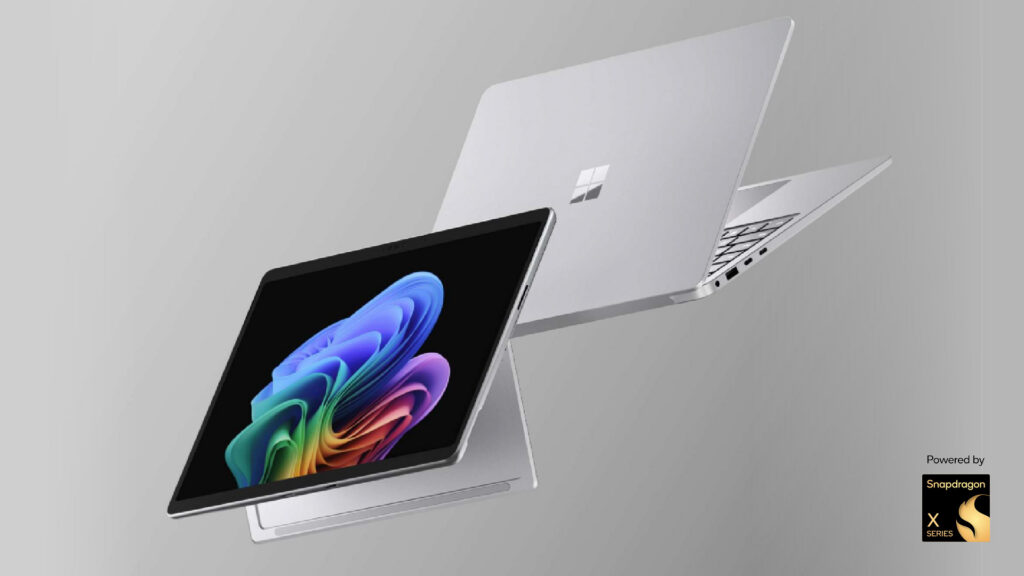
The new Microsoft Surface Laptop for Business, 13.8-inch and 15-inch, powered by the Snapdragon X2 chip, is built for that second scenario. The form factor will look familiar, and the Snapdragon family shares the same chassis, PixelSense Flow touchscreen, Microsoft Pluton-backed security stack, and the impressive integrated privacy screen option on the 13.8-inch model. In terms of connectivity, both models maintain two USB-C/USB4 ports, one USB-A 3.2 port, a Surface Connect port, and a 3.5mm audio jack, with support for up to three external monitors. The 15-inch adds a MicroSDXC Express card reader, and select 15-inch configurations also include an integrated smart card reader. Wi-Fi 7 and Bluetooth 5.4 are standard across the range.
What the X2 changes
The Snapdragon X2 is the second generation processors designed for Windows on ARM. The first generation, the X1, delivered 45 TOPS via its Hexagon NPU, while the new X2 jumps to 80 TOPS. The headline gain is AI throughput, which matters more than ever. On-device AI features in Windows 11 do real work, from Recall pulling up something you saw last Tuesday to Live Captions translating audio in real time, and the bigger the NPU, the more of that workload runs locally rather than in the cloud.
The more practical gain, though, is in how the chip behaves on battery power. Snapdragon laptops are built on the same architecture as modern smartphones, and they behave the same way. When you unplug, performance doesn’t drop, the fan stays quiet, and the battery curve flattens out instead of nosediving. For people who spend their days running between meeting rooms or working off a single charge in transit, the lived experience is closer to that of a phone or tablet than to what most users are conditioned to expect from a Windows laptop. This could be the key factor in deciding which Microsoft Surface device to choose.
What Windows on ARM looks like in 2026
The first question that comes up on Surface devices powered by Snapdragon is application compatibility. Eighteen months ago, when the first Microsoft Copilot+ PCs launched, it was a genuinely open question whether a customer’s enterprise app stack would run cleanly on ARM. The situation has changed substantially since then.
Most mainstream business apps now either run natively on ARM or under Windows emulation with no perceptible performance hit. Microsoft’s App Assure programme has been steadily working with organisations to remediate cases where specific apps don’t run, and the catalogue of confirmed-compatible business software has grown to the point where it isn’t worth quoting a number, as any figure is out of date within a fortnight. The Windows on ARM Compatibility website is the public reference point, and most IT teams will find that the apps their business depends on are already running cleanly.
The Snapdragon question has moved on from whether apps will work, to whether this is the right device for the user and their work patterns. For organisations with a corporate app catalogue heavily weighted toward modern, web-based, or Microsoft 365-aligned software, the answer to the latter question is increasingly yes.
Where the X2 Surface Laptop fits
Data#3 has been supporting organisations with Surface devices powered by Snapdragon since the first generation. These devices have proven particular popular in the education sector, as well as among field workers and travelling professionals who spend large portions of their day away from power points.
One organisation that has successfully adopted these devices is Canterbury College, where the combination of all-day battery life and reduced device weight changed what students could carry between classes.
We’re also seeing rising demand from executives, who treat their laptops as hand-held devices that need to be ready the instant they’re opened. For the X2 generation, the new ceilings also matter. Configurations now support up to 64GB of RAM and a 2TB removable SSD, the highest-spec Surface device powered by Snapdragon has shipped so far.
The right tool for the job
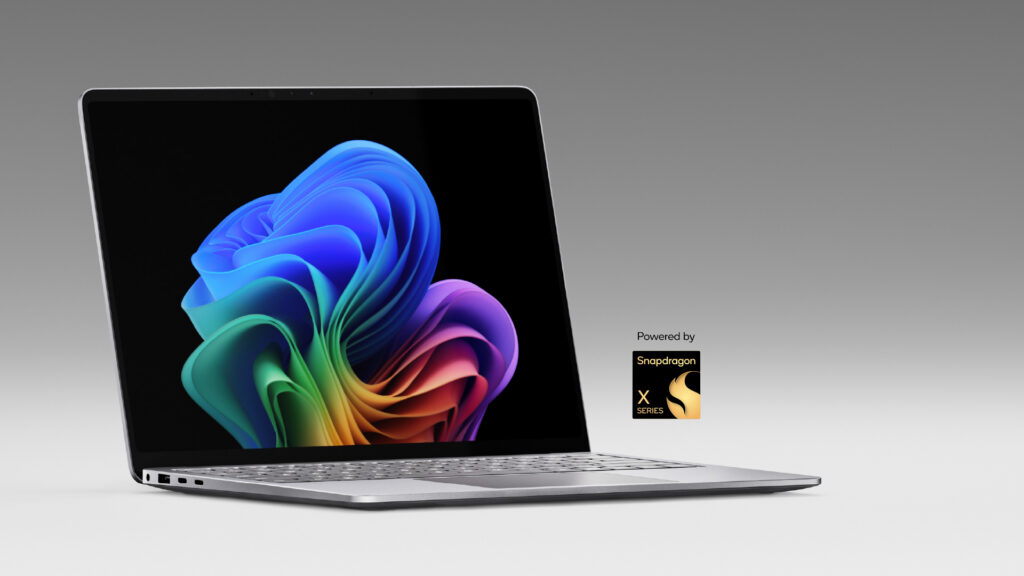
These new devices build out an impressive portfolio of Microsoft Surface Laptop for Business 13.8- and 15-inch devices. If the user moves between locations, sits through long meetings without a charger within reach, or wants the phone-like performance behaviour that only devices powered by Snapdragon can deliver, the X2 Surface Laptop earns its place.
This means that many organisations could end up with mixed processor environments, and that’s a perfectly reasonable option. A standardised Surface fleet doesn’t have to mean a single chipset, particularly when the management story underneath, with Microsoft Intune, the Surface Management Portal, Windows 11 Pro, Microsoft Pluton, and BitLocker, is identical.
Where to start
The strongest starting point for a Snapdragon assessment is a proof of concept (POC). Get one or two devices in front of those who you think might benefit most, run them through a normal working week, and see how the unplugged performance and app compatibility stories play out in your environment.
As a Microsoft Platinum Partner, we help organisations unlock the full value of the Microsoft ecosystem. Our dedicated Surface team can support evaluation units, proof-of-concepts (POCs), fleet deployment planning, and seamless transitions to a modern workplace.
Backed by the scale and expertise of one of Australia’s largest and globally recognised Microsoft partners, our Device-as-a-Service solutions connect device decisions to your broader Microsoft estate. From Intune deployment and management to Copilot adoption, security, licensing, and end-of-life recycling, we provide end-to-end support across the entire device lifecycle.
Get in touch with the Data#3 team to start the conversation, or visit our Surface devices page for full specifications and configuration options.

Information provided within this form will be handled in accordance with our privacy statement.